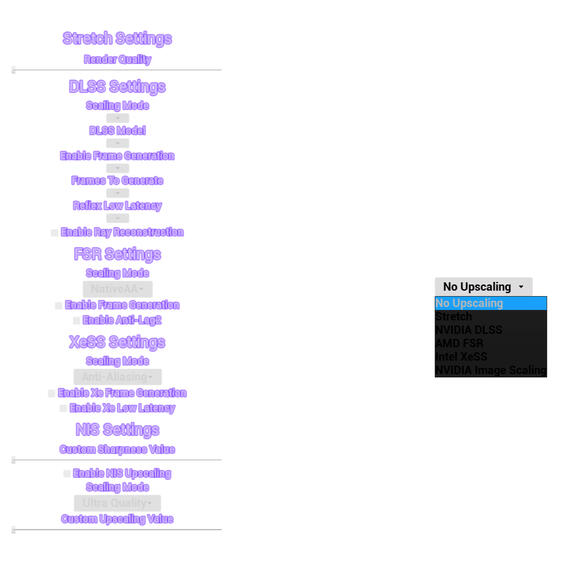
Upscaling Menu
Upscaling Menu
About
Originally developed for the speedrunner 'Five More Minutes', I extracted the upscaling UI into a robust, standalone Unreal Engine 5 plugin. It provides a complete widget-based upscaling menu system, backed by a custom C++ library that queries the user's hardware to dynamically enable or disable supported features (like DLSS 3 Frame Generation).
Project Info
- Role: Solo Developer
- Team Size: 1
- Engine: Unreal Engine 5
Acerca de
Originalmente desarrollado para el 'speedrunner' 'Five More Minutes', extraje la interfaz de usuario de escalado en un plugin robusto e independiente para Unreal Engine 5. Ofrece un sistema completo de menú de escalado basado en widgets, respaldado por una librería personalizada en C++ que consulta el hardware del usuario para habilitar o deshabilitar dinámicamente las características soportadas (como DLSS 3 Frame Generation).
Información
- Rol: Solo Developer
- Equipo: 1
- Motor: Unreal Engine 5
Get the Upscaling Menu on Fab!
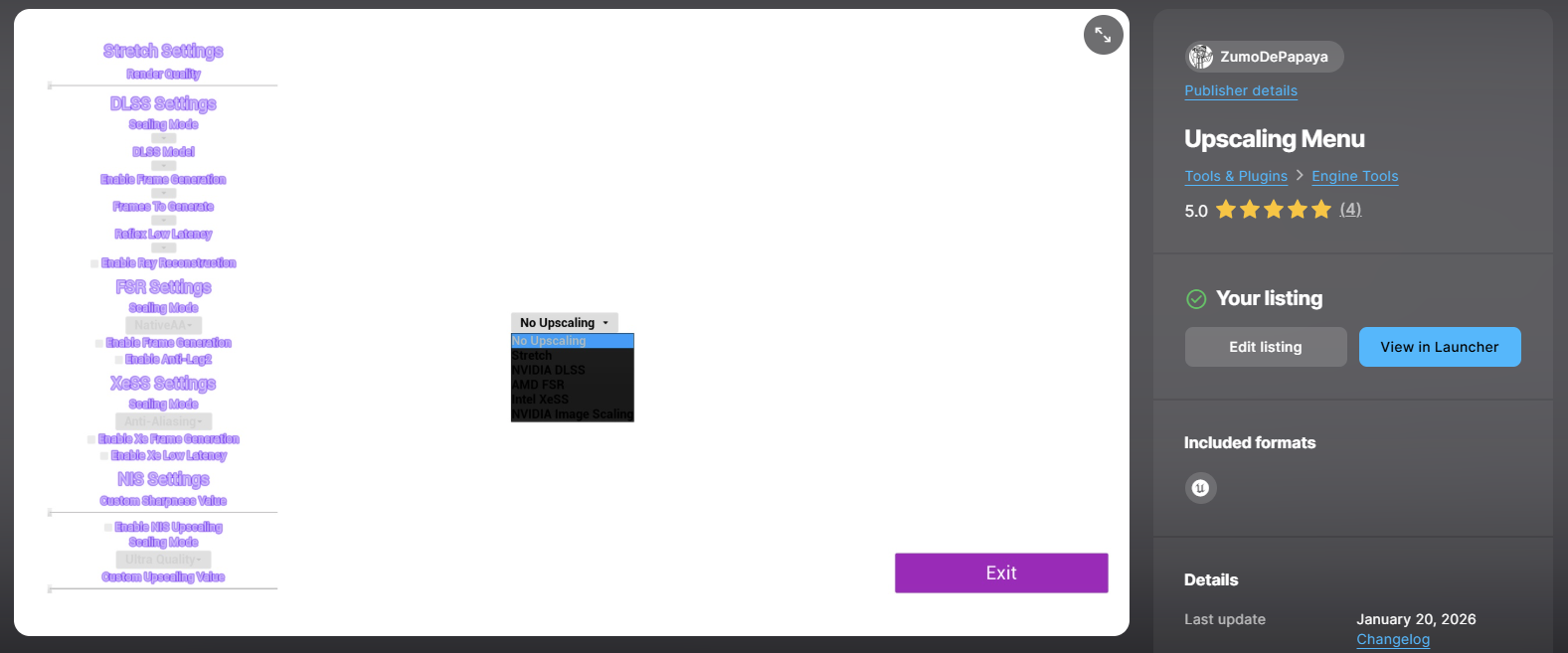
Published on Fab: The plugin was successfully accepted and published as an Unreal Engine asset on the official Fab marketplace.
Introduction
I originally built this system for Five More Minutes to manage DLSS, FSR, XeSS, and NIS from a single UI. I extracted it into a standalone plugin, building a drag-and-drop UMG Widget (WBP_SettingsUpscaling) backed by a custom C++ library that detects the user's GPU and dynamically enables or disables upscaling options based on hardware support.
Dynamic Hardware Querying (C++)
The core problem is preventing users from activating features their hardware doesn't support. I wrote UHardwareInfoLibrary, a C++ Blueprint Function Library that queries the OS directly by parsing the GPU brand string with regex to identify the exact series (3000 vs 4000 for Frame Gen compatibility), checking the Windows Registry for Hardware-Accelerated GPU Scheduling (HwSchMode), and validating DLL presence (nvngx_dlss.dll) alongside plugin descriptor JSONs.
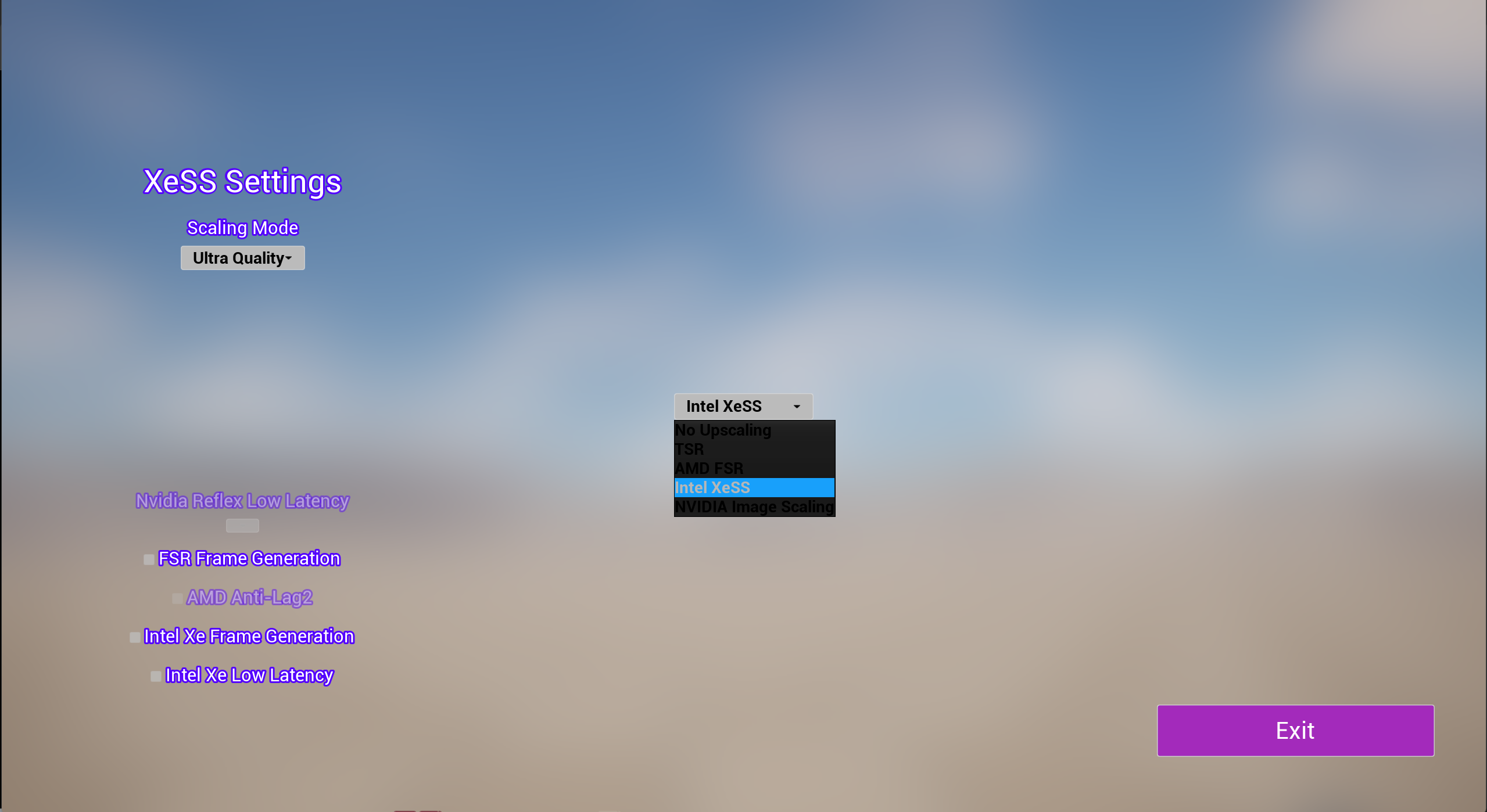
Automatic Hardware Detection: The UI dynamically detects the GPU (e.g. Intel ARC) and locks unsupported features based on the parsed C++ hardware details struct.
// Snippet: Extracting the GPU Series Number via Regex
static const FRegexPattern Pattern(TEXT("(\\d+)"), ERegexPatternFlags::CaseInsensitive);
FRegexMatcher Matcher(Pattern, Info.FullGPUName);

if (Matcher.FindNext())
{
    int32 FullNumber = FCString::Atoi(*Matcher.GetCaptureGroup(1));
    if (FullNumber >= 1000)
    {
        Info.SeriesNumber = (FullNumber / 1000) * 1000;
        Info.bFoundSeries = true;
    }
}
Regex Parsing: Extracts the exact GPU series number from the OS hardware string to validate Frame Generation compatibility.
// Snippet: Checking Windows Registry for GPU Scheduling (Required for Frame Gen)
#if PLATFORM_WINDOWS
HKEY hKey = nullptr;
const TCHAR* SubKey = TEXT("SYSTEM\\CurrentControlSet\\Control\\GraphicsDrivers");
if (RegOpenKeyEx(HKEY_LOCAL_MACHINE, SubKey, 0, KEY_READ, &hKey) == ERROR_SUCCESS)
{
    DWORD Value = 0, Size = sizeof(Value);
    LSTATUS Status = RegQueryValueEx(hKey, TEXT("HwSchMode"), nullptr, nullptr, reinterpret_cast<LPBYTE>(&Value), &Size);
    RegCloseKey(hKey);
    return (Status == ERROR_SUCCESS && Value == 2);
}
#endif
Registry Query: Directly queries the Windows Registry to ensure Hardware-Accelerated GPU Scheduling is enabled.
The Standalone Extraction
Decoupling the system from Five More Minutes meant ensuring zero hard references to game-specific classes. WBP_SettingsUpscaling relies entirely on the data struct from UHardwareInfoLibrary to populate boolean flags (DLSS-FG Supported, XeSS Supported, etc.). Its UpdateDependentUI function runs a Switch on E_UpscalerType to conditionally disable UI sections for unsupported features like Anti-Lag 2 or Ray Reconstruction.
Furthermore, publishing to Fab presented a major architectural constraint: Fab does not allow published plugins to depend on external plugins. This meant I could not simply reference the official DLSS, FSR, or XeSS plugins to check if they were enabled or supported. To solve this, I had to write custom hardware and software detection scripts to manually reverse-engineer the conditions by which these technologies are normally enabled or disabled, creating custom logic to apply these rules accurately. This required a massive amount of work, but it ensures the plugin remains entirely standalone.
UpdateDependentUI: Conditionally disables or enables specific UI elements based on the hardware support struct.
Reverse-Engineered Application: Custom macro logic that safely applies upscaler states without relying on official plugin dependencies.
What I Learned
Building this as a reusable plugin forced me to think about API boundaries differently than building a game feature. Every function in the C++ library had to be useful without any context about the consuming project, meaning no assumptions about game state and no references to specific blueprints. It was a good exercise in writing genuinely modular engine code.
¡Consigue Upscaling Menu en Fab!
Publicado en Fab: El plugin fue aceptado y publicado como un activo de Unreal Engine en el mercado oficial de Fab.
Introducción
Originalmente, construí este sistema para Five More Minutes para gestionar DLSS, FSR, XeSS y NIS desde una única interfaz de usuario. Lo extraje en un plugin independiente, creando un Widget UMG de arrastrar y soltar (WBP_SettingsUpscaling) respaldado por una librería personalizada en C++ que detecta la GPU del usuario y habilita o deshabilita dinámicamente las opciones de escalado según la compatibilidad del hardware.
Consulta Dinámica de Hardware (C++)
El problema principal es evitar que los usuarios activen funciones que su hardware no soporta. Escribí UHardwareInfoLibrary, una Librería de Funciones Blueprint en C++ que consulta directamente el sistema operativo mediante el análisis de la cadena de marca de la GPU con expresiones regulares para identificar la serie exacta (3000 frente a 4000 para compatibilidad con Frame Gen), comprobando el Registro de Windows para la Programación de GPU Acelerada por Hardware (HwSchMode), y validando la presencia de DLL (nvngx_dlss.dll) junto con los JSON de descriptores de plugins.
Detección Automática de Hardware: La interfaz de usuario detecta dinámicamente la GPU (por ejemplo, Intel ARC) y bloquea las características no soportadas basándose en la estructura de detalles de hardware C++ analizada.
// Snippet: Extracting the GPU Series Number via Regex
static const FRegexPattern Pattern(TEXT("(\\d+)"), ERegexPatternFlags::CaseInsensitive);
FRegexMatcher Matcher(Pattern, Info.FullGPUName);

if (Matcher.FindNext())
{
    int32 FullNumber = FCString::Atoi(*Matcher.GetCaptureGroup(1));
    if (FullNumber >= 1000)
    {
        Info.SeriesNumber = (FullNumber / 1000) * 1000;
        Info.bFoundSeries = true;
    }
}
Análisis de Regex: Extrae el número de serie exacto de la GPU de la cadena de hardware del SO para validar la compatibilidad con Frame Generation.
// Snippet: Checking Windows Registry for GPU Scheduling (Required for Frame Gen)
#if PLATFORM_WINDOWS
HKEY hKey = nullptr;
const TCHAR* SubKey = TEXT("SYSTEM\\CurrentControlSet\\Control\\GraphicsDrivers");
if (RegOpenKeyEx(HKEY_LOCAL_MACHINE, SubKey, 0, KEY_READ, &hKey) == ERROR_SUCCESS)
{
    DWORD Value = 0, Size = sizeof(Value);
    LSTATUS Status = RegQueryValueEx(hKey, TEXT("HwSchMode"), nullptr, nullptr, reinterpret_cast<LPBYTE>(&Value), &Size);
    RegCloseKey(hKey);
    return (Status == ERROR_SUCCESS && Value == 2);
}
#endif
Consulta del Registro: Consulta directamente el Registro de Windows para asegurar que la Programación de GPU Acelerada por Hardware está habilitada.
La Extracción Independiente
Desacoplar el sistema de Five More Minutes implicó asegurar cero referencias directas a clases específicas del juego. WBP_SettingsUpscaling se basa completamente en la estructura de datos de UHardwareInfoLibrary para rellenar los indicadores booleanos (DLSS-FG Soportado, XeSS Soportado, etc.). Su función UpdateDependentUI ejecuta un Switch on E_UpscalerType para deshabilitar condicionalmente secciones de la interfaz de usuario para características no soportadas como Anti-Lag 2 o Ray Reconstruction.
Además, la publicación en Fab presentó una importante restricción arquitectónica: Fab no permite que los plugins publicados dependan de plugins externos. Esto significaba que no podía simplemente referenciar los plugins oficiales de DLSS, FSR o XeSS para comprobar si estaban habilitados o soportados. Para resolver esto, tuve que escribir scripts personalizados de detección de hardware y software para realizar ingeniería inversa manual de las condiciones por las cuales estas tecnologías se habilitan o deshabilitan normalmente, creando una lógica personalizada para aplicar estas reglas con precisión. Esto requirió una cantidad ingente de trabajo, pero asegura que el plugin permanezca completamente independiente.
UpdateDependentUI: Deshabilita o habilita condicionalmente elementos específicos de la UI basándose en la estructura de soporte de hardware.
Aplicación mediante Ingeniería Inversa: Lógica de macro personalizada que aplica de forma segura los estados del escalador sin depender de plugins oficiales.
Lo que Aprendí
Construir esto como un plugin reutilizable me obligó a pensar en los límites de la API de manera diferente a como lo haría al construir una característica de juego. Cada función en la librería de C++ tenía que ser útil sin ningún contexto sobre el proyecto consumidor. Esto significaba no hacer suposiciones sobre el estado del juego ni requerir referencias a blueprints específicos. Fue un buen ejercicio para escribir código de motor verdaderamente modular.